What is a POS System and How Does it Work?
Discover what a POS system is, how it works, and why it’s essential for modern businesses.

Tessa ZuluagaAuthor
 RESOURCE
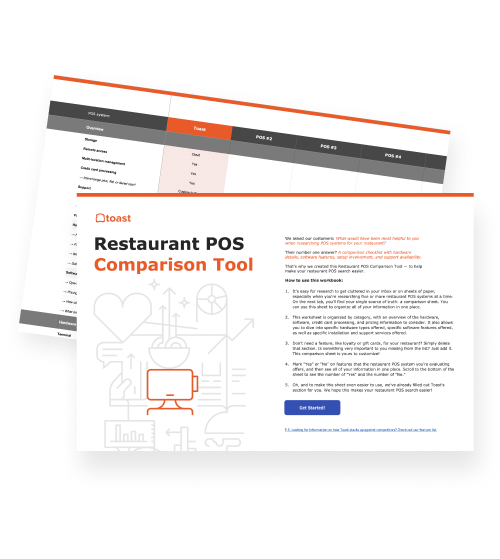
 Restaurant POS Comparison Tool
A free, customizable Restaurant POS Comparison Tool to research and compare point of sale systems in one Excel spreadsheet.
Get Free Download | Built for Restaurants
What is a pos system?
A point of sale system, also known as a POS system, facilitates transactions between a buyer and a seller. But a good POS can do so much more.
Let's be real: as a business owner, you rely on your POS provider more than you may realize. Your POS software is your best friend when it comes to processing payments, managing inventory levels, tracking performance, and so much more.
Gone are the days when a cash register just went "cha-ching" and called it a day. Modern POS systems have evolved far beyond the cash registers of the past, becoming all-in-one tools that streamline operations and help businesses grow.
In this guide, we’ll break down what a POS system is, how it works, and what features you should look for to find your perfect match.
What is a POS system?
The purpose of a point of sale system, also known as a POS system, is to facilitate transactions between a buyer and a seller.
Before the invention of the cash register in the late 1800s, sellers used handwritten ledgers to document each transaction. (Imagine doing your Saturday night rush with a quill pen. Yikes.) The cash register, which would become the foundation of modern accounting, was invented as a way to better track transactions by inputting the cost of the product and automatically calculating the change.
Over the years, cash registers improved and evolved from mechanical devices to electronic ones, and eventually into the modern-day POS, which combines sophisticated hardware and software to facilitate order entry, tracking and reporting, payment processing, and more. A POS is at the heart of operating processes for many businesses, including restaurants.
What is a restaurant POS system?
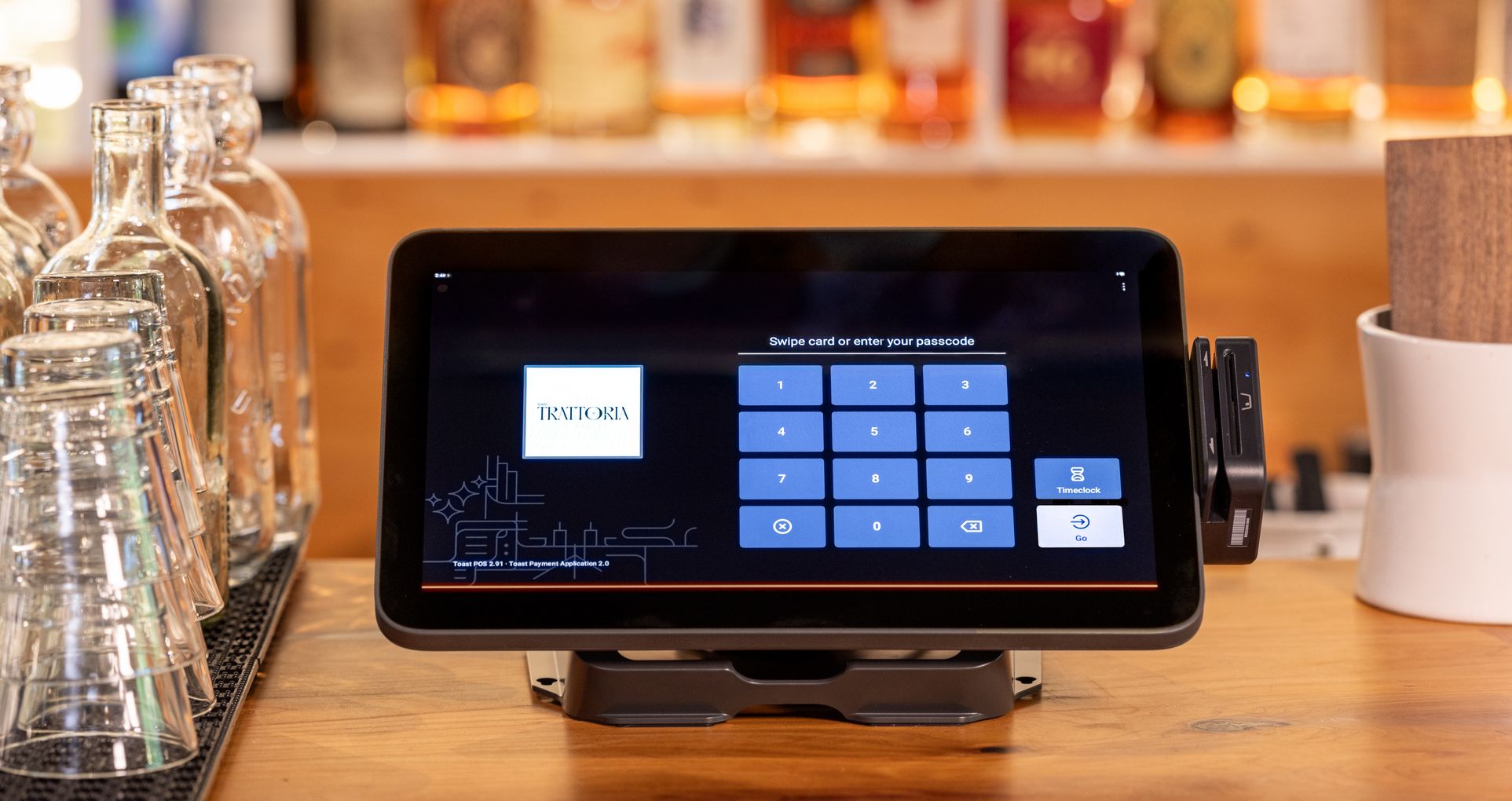
A restaurant POS system is your command center. It takes guest orders, fires them to the kitchen, processes payments (whether someone's paying with cash, card, or their phone), and gives you the data you need to understand how your restaurant is actually doing.
Modern solutions like Toast are cloud-based, so you can check on your restaurant from anywhere—whether you're on the floor, at home in your pajamas, or on vacation (since we know you're probably still checking in).
But today's restaurant POS systems do far more than just process orders and payments. They've evolved into full-blown restaurant management platforms, integrating with everything from AI assistants and payroll to inventory management, online ordering, gift cards, loyalty programs, and marketing tools. Basically, if it helps run your restaurant, your POS can probably handle it.
How does a restaurant POS system work?
Think of your restaurant POS as the conductor of an orchestra, keeping everyone in sync from the moment a guest orders to when they pay and leave happy.
Here’s the flow:
Order placement: Your guest orders with a server, at the counter, through a kiosk, or via mobile ordering (because sometimes people really do want to order from their table without making eye contact—we get it).
To the kitchen: The order instantly hits the kitchen via a printed ticket or kitchen display system. No more playing telephone between FOH and BOH.
Food prep: Your kitchen crew sees the order, starts cooking, and marks items as ready. The system keeps servers in the loop so they know exactly when to grab that burger.
Payment time: Counter service? They pay right away. Table service? The server prints the check when the meal's done. Either way, payment happens through a terminal or handheld device, and the POS automatically closes out the check and logs everything—sales, tips, the works.
End of day: Managers can pull up sales summaries, check out discount and tip reports, and get the full picture of the day.
From start to finish, your POS connects your front- and back-of-house, cuts out manual busywork, and helps you deliver a fantastic dining experience.
What is a retail POS system?
For retail businesses, a POS system is home base where sales happen, payments get processed, and your day-to-day operations come together. It's the hardware and software combo that lets you scan items, ring up sales, handle returns, apply discounts, and track everything that matters.
Like restaurant systems, modern retail POS solutions, like Toast Retail, are typically cloud-based. You can check your sales, inventory, and team activity from anywhere—the sales floor, your couch, or while juggling multiple store locations. No more being chained to a back office computer.
Today's retail POS systems also integrate nicely. These connections help you streamline operations, create personalized shopping experiences, and make decisions based on actual data instead of gut feelings.
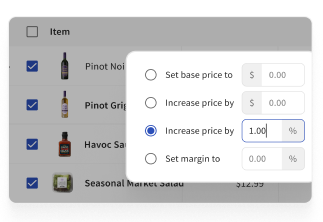
Toast Retail can help create seamless guest experiences for your retail and foodservice needs
Get a free demoHow does a retail POS system work?
A retail POS system creates a fast and consistent checkout experience while managing key store operations behind the scenes.
At checkout: A customer brings items to the counter. Your cashier scans them, and the POS handles pricing, tax, and any discounts automatically. No mental math required.
Payment: The customer pays however they want—card, cash, contactless, whatever.
After the sale: The POS updates your inventory in real time, logs customer info if they're in your loyalty program, and records the transaction for your reports. It's like having a really efficient assistant who never forgets anything.
Returns and exchanges: These flow through the same system, keeping your inventory accurate and your books clean.
Management: You can pull up sales reports, check inventory levels, and spot trends across one location or fifty.
For more information on Toast Retail POS, check out this page.
What types of software and hardware does a restaurant POS system include?
At its core, a POS is a touchscreen where you punch in orders and process payments. But that's like saying a smartphone is just for making calls; it’s technically true, but it misses about 90% of what makes it useful.
Powerful restaurant platforms, like Toast, provide much more than a touchscreen for punching in orders and processing payments. Here’s the thing: every business is different. You need a POS that can be customized for your specific needs—one that helps you deliver great experiences, makes your team's lives easier, and actually helps grow your business instead of just... existing.
Key restaurant POS software features:
Menu management: Update your menu anytime, anywhere. Whether guests are ordering in-house, online, or through third-party delivery, your menu stays consistent. And when you 86 that salmon special? Everyone knows instantly—servers, kitchen staff, online ordering, the whole nine yards.
Connected operations: Your front- and back-of-house work together in real time. Orders flow seamlessly, display systems track prep times, and everyone knows when food's ready. It's beautiful, really.
Payment processing: Let guests pay however they want—cash, card, tap, swipe, mobile wallet, QR code, carrier pigeon (okay, maybe not that last one). Integrated payment systems can also link customer info with purchase history, helping you understand who's ordering what and when.
Digital dine-in: Give guests control with mobile order-and-pay. They can browse, order, and pay from their phones, which speeds up service and frees your staff to focus on hospitality instead of running credit cards.
Off-premise ordering: Whether orders come from your counter, your website, or a third-party app, they should all flow into one system. No more juggling five different tablets like you're running a tech support desk.
Guest engagement: Loyalty programs, gift cards, email marketing, CRM—these should all talk to your POS. The better you know your customers, the better you can serve them (and the more likely they are to come back).
Payroll and employee management: Payroll doesn't have to be painful. With integrated solutions like Toast, you can export timesheets, tips, and wage data in just a few clicks. Your accountant will thank you.
Reporting and analytics: You can't improve what you don't measure. Your POS should give you clear, real-time insights into performance, trends, and opportunities. No data science degree required.
AI: AI tools that actually help—listening, learning, and suggesting your next move before you even think to ask. With AI built into your POS, your team works smarter, solves problems faster, and has more time for what really matters: your guests.
Benchmarking: How are you doing compared to similar businesses in your area? Benchmarking tools like Toast Benchmarking give you the competitive intel you need to spot opportunities and plan for growth.
The right POS brings all these tools together in one place. Platforms like Toast are built for real-world businesses—so you can stay focused on what you do best.
Menu Engineering Worksheet
Use this menu engineering worksheet, complete with intricate menu engineering formulas, to determine areas of strength and weakness in your restaurant's menu.

Key restaurant POS hardware:
Restaurant-grade hardware: Your POS terminals need to survive the dinner rush. Look for durable, responsive touchscreens built specifically for the pace and chaos of restaurant life. For example, the Toast Go 3 was designed with real restaurant conditions in mind, so drops from counter height, spills, or hot patios are no big deal.
Handheld POS systems: Put the power of your entire system in your server's hand. They can take orders and process payments tableside, which means faster service and happier guests. These are also clutch for line-busting at quick-service spots. Take orders anywhere, no terminal required.
Kitchen display systems (KDS): Speed up communication between front- and back-of-house with real-time order tracking. Need to 86 something? A few taps and every server knows instantly. Plus, you'll get data on prep times to improve efficiency and save money on receipt paper. Win-win-win.
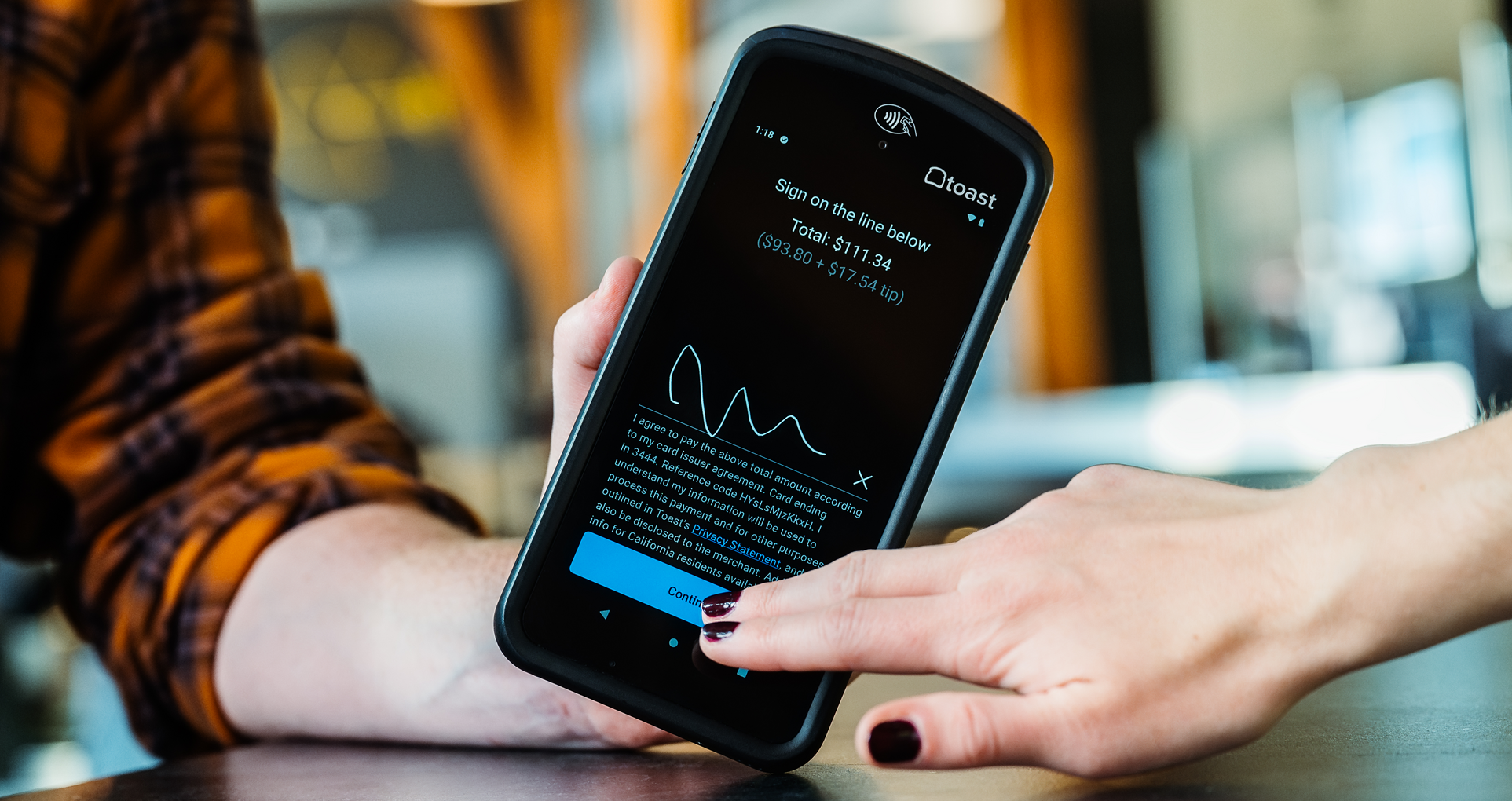
Guest-facing displays: Perfect for quick-service restaurants, cafes, and fast-casual spots. Guests can see their order, add a tip, and check out, all while signing up for your loyalty program or getting a digital receipt sent to their phone.
Contactless payment technology: Contactless payments aren't just a passing trend. They’re here to stay. Modern systems like Toast offer contactless options on terminals, counters, and handhelds so guests can pay with digital wallets like Apple Pay or just tap their card.
The hardware you need depends on your business model, but here's the rule: get equipment designed for restaurants that can handle your busiest shifts without breaking a sweat. And make sure it all works together to boost efficiency and your bottom line.
The hardware you need will depend on your restaurant's unique business model, but you should look for hardware that is designed for restaurants and built to handle the hustle and bustle of a busy Saturday night. This hardware should also work together to improve operational efficiency and ultimately improve your business’s bottom line.
How much does a restaurant POS system cost?
The range of monthly costs for restaurant POS systems typically falls between $60–$250 for software. In addition to those monthly fees, hardware costs are often a one-time fixed cost starting at $700. A POS purchase generally includes the hardware, software, and optional add-on features you choose based on your restaurant’s needs.
Here's the thing: you can't compare POS quotes like apples to apples because every system offers different hardware, features, and capabilities.
Instead, focus on what you actually need. Which features matter most for your business? Which platform can grow with you? That's how you find your perfect fit.
Learn about Toast pricing here.
Find a POS system that makes communication easy
There are plenty of POS systems out there, but what really matters is finding one that makes your operations smoother—one that improves communication between FOH and BOH, speeds up service, and lets you customize everything to fit your unique needs.
At the end of the day, your POS should make life easier for your staff and give you the tools to manage your business confidently. If your current system isn't doing that? Maybe it's time for a change.
Running a business is hard. Using Toast isn't. Request a demo to see how Toast is different from other point of sale platforms—and get a customized walkthrough built around your unique needs.
Because you've got enough to worry about. Your POS shouldn't be one of them.
Is this article helpful?
DISCLAIMER: This information is provided for general informational purposes only, and publication does not constitute an endorsement. Toast does not warrant the accuracy or completeness of any information, text, graphics, links, or other items contained within this content. Toast does not guarantee you will achieve any specific results if you follow any advice herein. It may be advisable for you to consult with a professional such as a lawyer, accountant, or business advisor for advice specific to your situation.
 Trending

Subscribe to On the line
Sign up to get industry intel, advice, tools, and honest takes from real people tackling their restaurants’ greatest challenges.
By submitting, you agree to receive marketing emails from Toast. We’ll handle your info according to our privacy statement. Additional information for California residents available here.